The things families check before setting up HearthWire.
What is HearthWire?
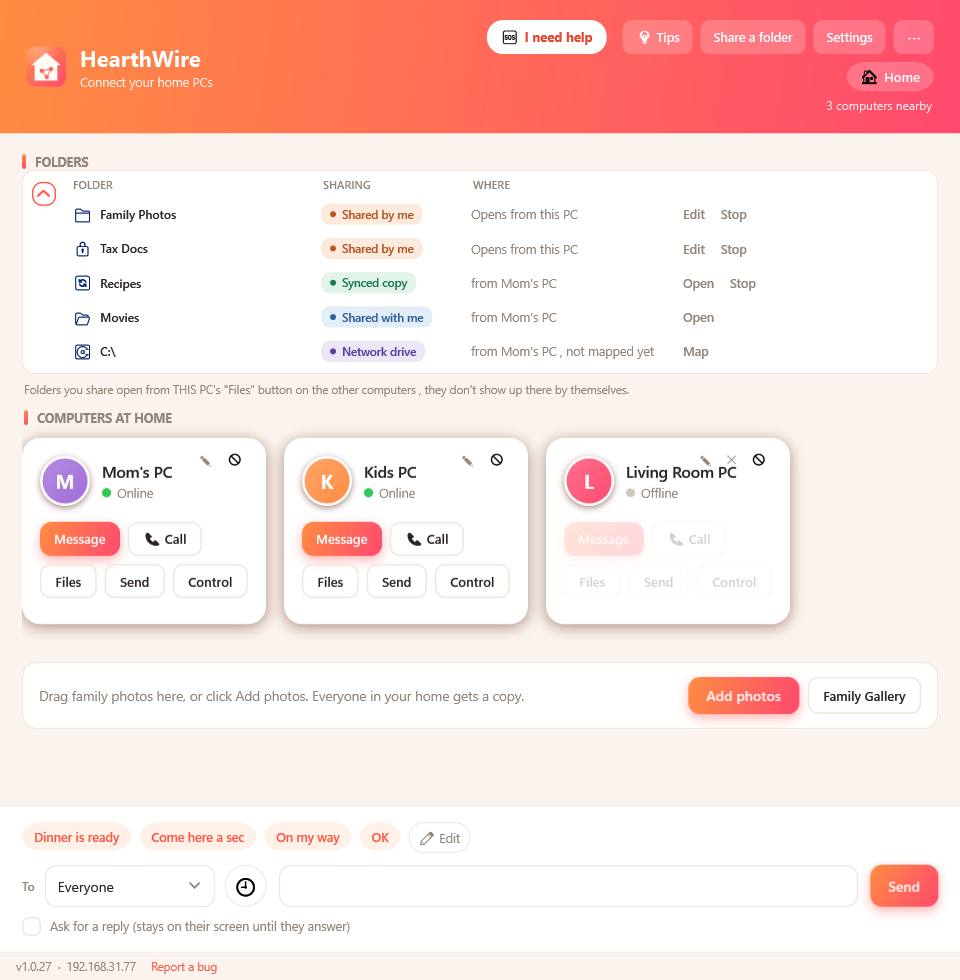
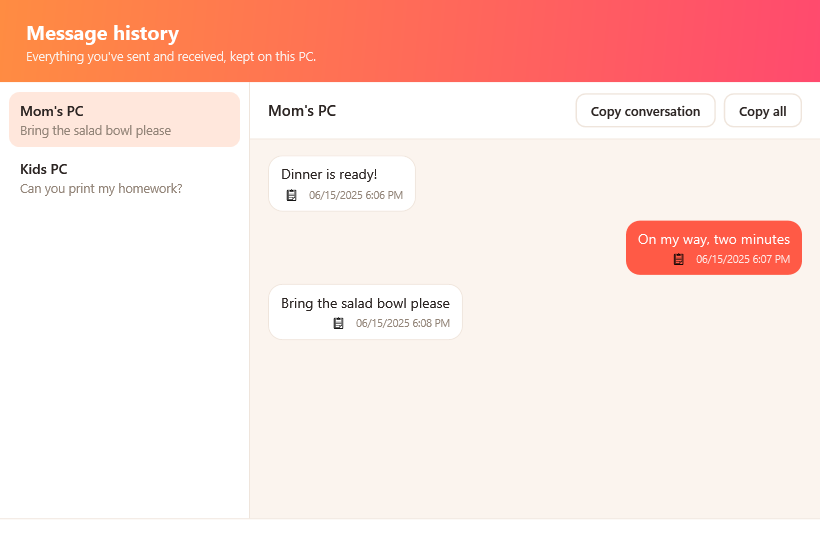
HearthWire is a small Windows app that links the computers in your home into one simple, private network. You can send popup messages, share and sync folders, run programs from another PC, share a printer, and, with permission, view or control a family member's screen to help them. There is no cloud and no account, and it runs quietly in your system tray.
Does it work on Mac?
Yes. HearthWire has a full Mac app on the
Mac App Store, and Windows PCs and Macs join the
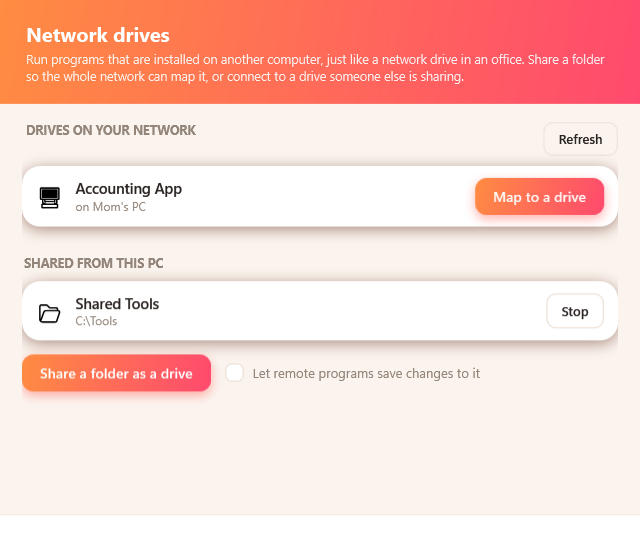
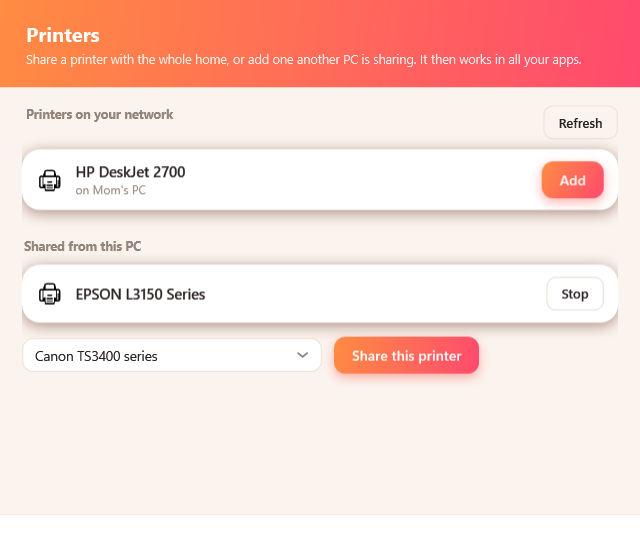
same home network. From a Mac you can send and receive messages and files, share folders and open what others share, see the family gallery, make voice calls, and, with permission, view or control a PC to help. A few Windows-only extras, like printer sharing and mapping network drives, stay on Windows. And to let family fully
control a Mac as well, add the free
HearthWire Mac Helper.
Do I need the internet or an account?
No. HearthWire works over your home network, whether Wi-Fi or cable. There is nothing to sign up for and nothing in the cloud, and your computers talk directly to each other.
Do I need to install it on every computer?
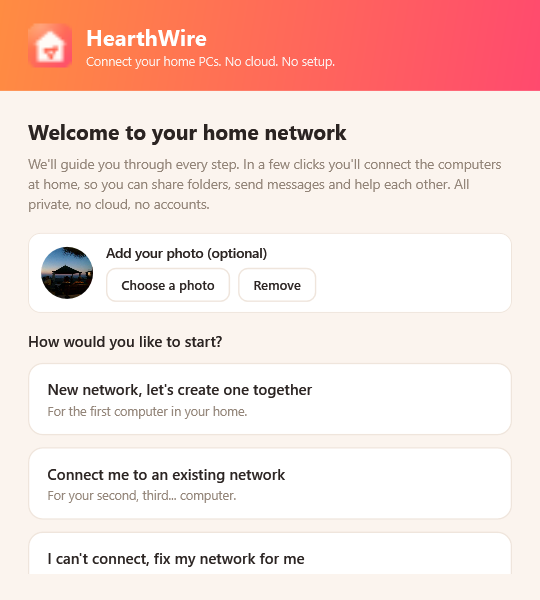
Yes. HearthWire has to be on each computer you want to connect, because that is how they find and talk to each other. There is no central box and nothing to install on your router. You set up the first PC, then the others ask to join and you approve them, about a minute in all.
I have three PCs at home. Do I pay three times?
No. You buy it once per store, not once per computer, and it then installs on the machines signed in to that same account. Microsoft allows a purchased Store app on up to 10 Windows PCs on one Microsoft account. The Mac App Store puts no number on it at all: the licence covers the Apple products you own or control, on the same Apple ID. So a house with four PCs and two Macs pays for the Windows app once and the Mac app once.
How do I help family with their screen?
On the PC that needs help, they press I need help and choose whether to let you just see their screen or fully control it. You only get in after they approve, a red bar with a Stop button shows them what is happening, and they can end it at any moment.
Does my data leave my home?
No. Messages and files travel directly between your computers over your local network, encrypted. There are no servers, no cloud, and no accounts, so we never see your messages, files, or settings.
See all questions in the full FAQ →
Windows cannot access the other PC? Error 0x80070035 and the rest, explained
The network path was not found, an empty Network folder, network discovery that will not stay on,
0x80004005, 0x8007052E, system error 53 and 1219. What each one means and how to fix it.
Got a Mac too? Connect a Mac to a Windows PC on your network, and why
each side fails for a different reason.
Films on the PC and a television in the other room?
Watch the movies on your PC on your TV, with the four ways compared.