Your whole house,
on the screen
in your hand.
Open any computer at home and read it like your own. Play a film from it without downloading anything. Send a message or a file to one person or to everyone, call another room, or watch a computer's screen and take it over. Everything travels over your own Wi-Fi, encrypted, with no server in the middle.
Get it on the App Store $4.99, one time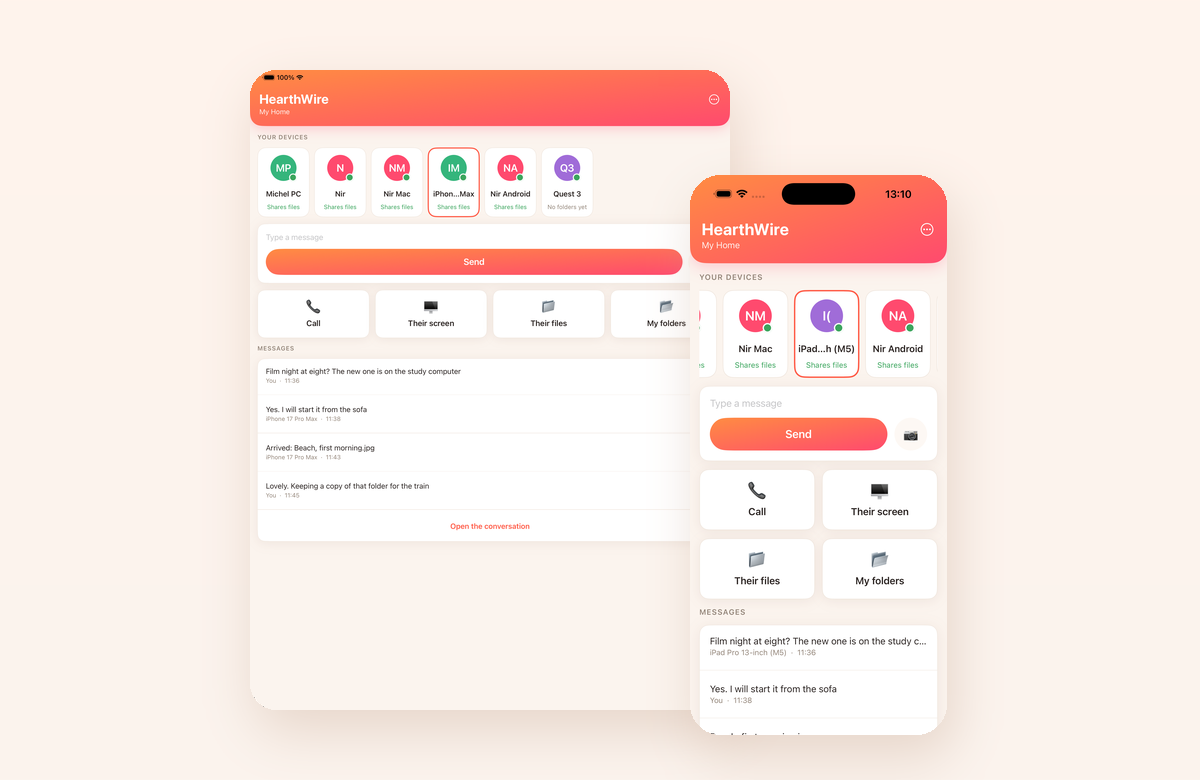
Everything you own is on a computer somewhere in the house, and the screen you actually pick up is the one with no room left on it. HearthWire stops treating that as a copying problem. Your phone and your computers are already on the same Wi-Fi, so they simply talk: you open a folder that lives on another machine and read it where it sits. Nothing is uploaded, nothing is signed into, and nothing is stored anywhere except on the devices you own.
What it does
The folders each one shares, with real previews, laid out like a place rather than a list. Keep a copy of anything you want, or leave it where it is.
Press play and it begins. The film stays on the computer and streams over your own network, so the phone fills up with nothing and you never wait for a copy.
MKV, AVI, MOV, MP4 and the rest, with their sound and their subtitles, played by the video engine built into the app.
A line to one person or to everyone, arriving on their screen with a sound. No phone numbers, no accounts, nothing stored anywhere but on the two devices.
Voice, straight to the other device over your own network, and never recorded.
See what is on it, pinch to zoom in, and take control when that computer allows it. One finger moves and clicks, two scroll, a long press is a right click.
Share to HearthWire from wherever you are and it lands on the computer you pick. Up to twenty files at a time.
Add them to the family gallery once and the whole household has them, on the television included.
Any folder in Files, including the app's own, readable from every computer in the house while the app is open.
Their folders, from your sofa
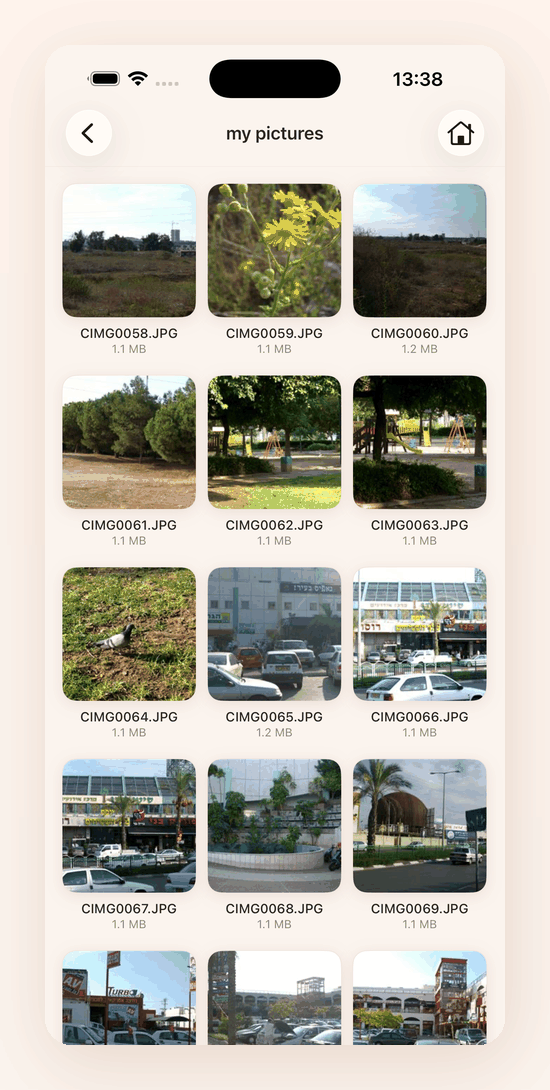
Every computer in the house offers the folders it has chosen to share. Open one and it behaves like a folder on the phone, except that nothing was copied to get there: each picture arrives as you look at it.
A phone with no space left can browse a library of any size, because the library never moves.
A film, from the computer in the next room
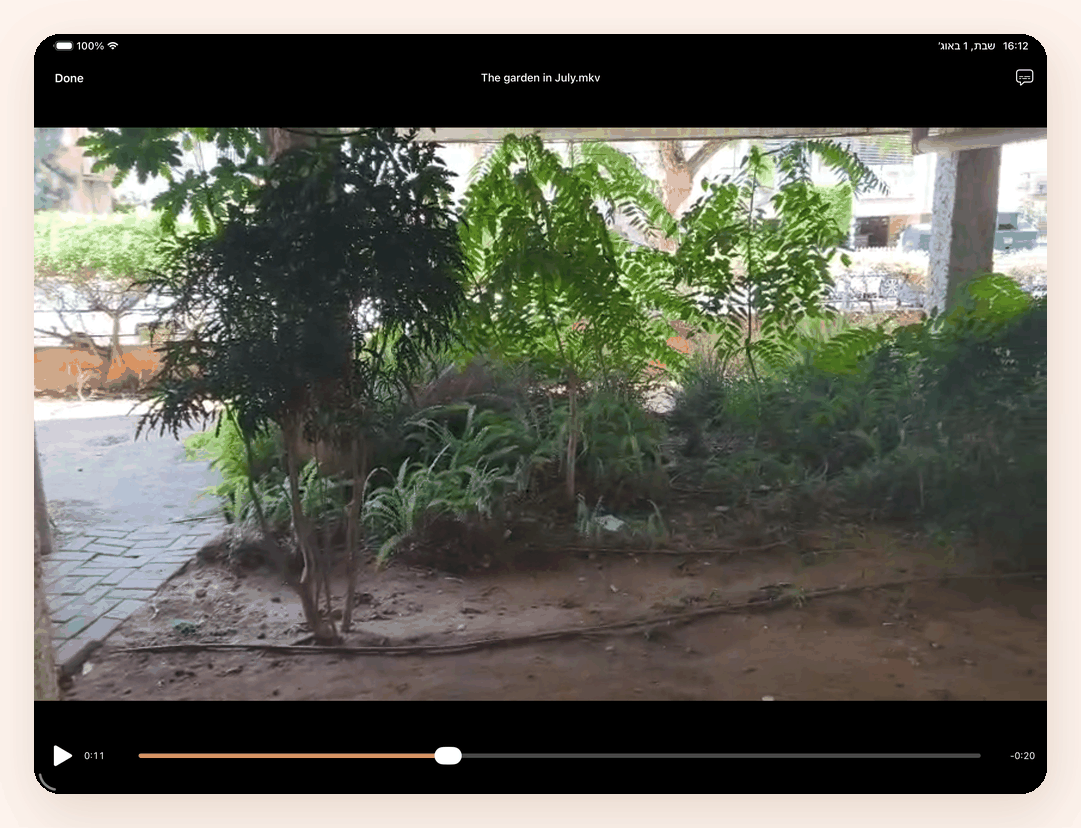
Most family collections are full of files an iPhone will not open on its own. This one carries its own video engine, so they play here: picture, sound and subtitles, starting in a second or two, with nothing downloaded and nothing left behind afterwards.
The iPad is not a big phone
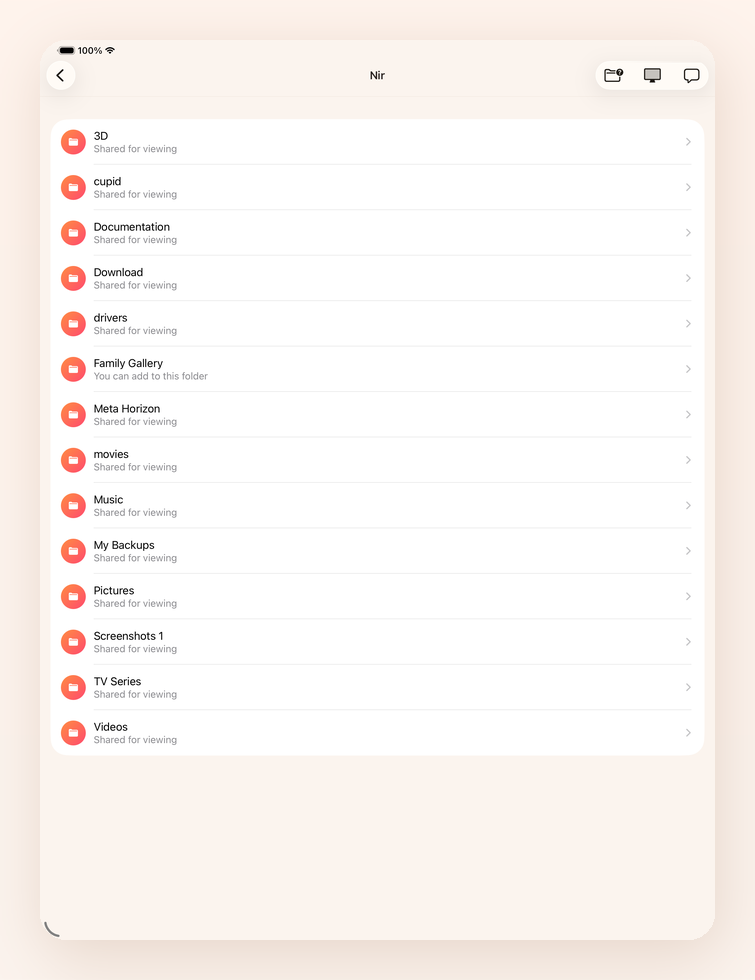
On an iPad the app spreads out to use the width it has been given instead of running a phone layout down the middle. One purchase covers both.
Calls, and your own photos going the other way
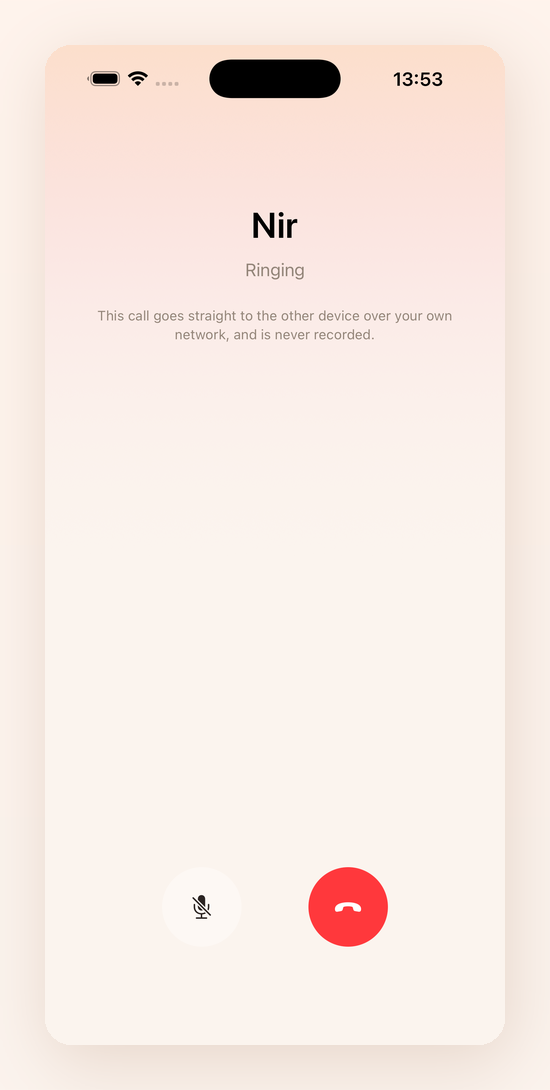
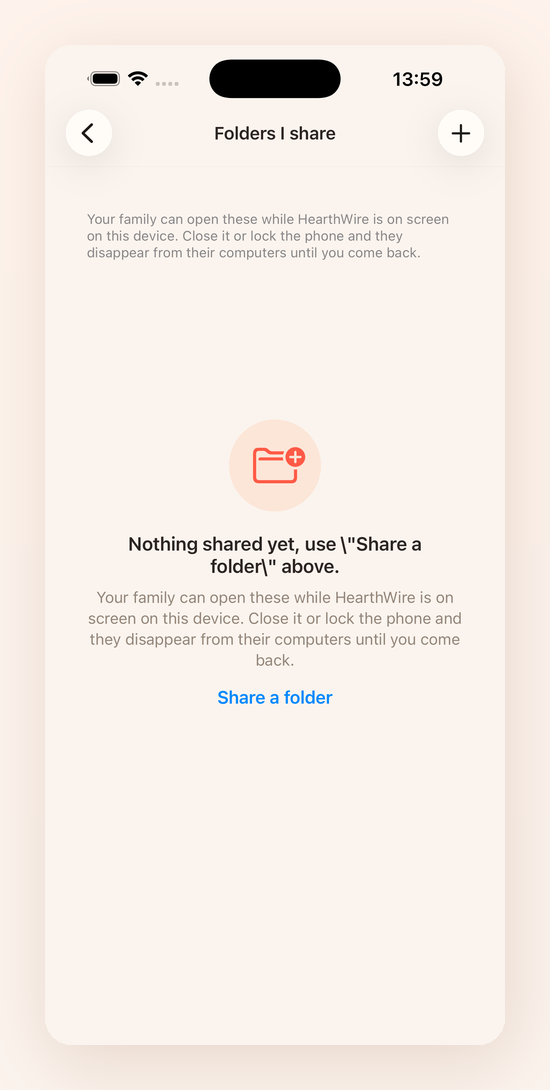
Call a computer and talk. Share a folder from the phone and the house can read it. The sharing screen tells you plainly that a phone shares only while the app is open, because that is the moment it matters, not during a setup wizard nobody remembers.
HearthWire connects the computers in your home into one private network. The iPhone and the iPad join that network. You will want the computer app too.
Questions
Do I need the computer app as well?
Yes, for nearly everything. The phone talks to computers running HearthWire, and that is where the folders, the films, the screens and the calls are. Install it on each computer you want to reach: Windows from the Microsoft Store, Mac from the Mac App Store.
Can I share my photos from my iPhone with the rest of the family?
Yes, through the family gallery. Not through folder sharing, and that is worth explaining. On an iPhone your photos are not files in a folder. They live in the photo library, which Apple keeps outside the file system entirely, so no app can point at them the way it can point at a folder. That is true of every app on the phone, not only this one. The family gallery exists for exactly this: add the photos you want and they appear on every device in the household.
Why can I not find my Downloads folder when I share a folder?
Because on an iPhone there usually is not one. "On My iPhone" in the Files app contains only folders that apps have made. Safari saves downloads to iCloud Drive unless you tell it otherwise, so nothing appears on the phone itself. To change that, open Settings, then Safari, then Downloads, and choose On My iPhone. From then on there is a Downloads folder to pick. You can also reach iCloud Drive from the same picker: go back to the list of locations and choose it.
What can I share from my iPhone, then?
Any folder in the Files app, including the HearthWire folder the app makes for you. Put anything in there from any app, and share it in one step.
Why do my shared folders disappear when I close the app?
Because iOS stops the app the moment it leaves the screen, and a stopped app cannot answer. This is the honest difference between a phone and a computer in this household. A computer shares its folders all day. A phone shares them while you are looking at the app. We say so on the sharing screen every time rather than once during setup, because it matters at the moment somebody is waiting. Everything in the other direction is unaffected: browsing computers, playing their films and keeping copies all work normally.
Do I get a notification when a message arrives and the app is closed?
No, and we would rather tell you why than leave you wondering. Notifications on iPhone are delivered by Apple's servers, which means somebody has to send them from the internet. HearthWire has no servers. Nothing you do here passes through a company, an account or a cloud, and adding notifications would mean building exactly that. We chose the network over the notifications. While the app is open, messages arrive with a sound.
Which films can it play?
All of them, as far as we have found. The iPhone's own player handles MP4 and MOV. Everything else, which in most family collections is most of the library, plays through the open source video engine built into the app. MKV, AVI and the rest open and play with their sound and their subtitles, and nothing is downloaded first.
Can I control my computer from my phone?
Yes, if the computer allows it. Tap the computer, choose its screen, and pick Watch and control. One finger moves and clicks, two fingers scroll, and a long press is a right click. The computer asks its own permission first, and it is told which of the two you asked for.
Can somebody control my iPhone from a computer?
No. Apple does not allow an app to drive the phone it is running on, and this one does not ask to.
Does anything go through the internet?
No. Every message, file, call and screen goes directly between your own devices over your own Wi-Fi, encrypted. There is no server, no account, and nothing is uploaded anywhere.
Is it a subscription?
No. Pay once and it is yours, on iPhone and iPad both. No adverts, no tracking, no telemetry, no account.
I have an iPhone and two iPads. Do I pay three times?
No. Apple's licence covers the Apple products you own or control, signed in to the same Apple ID, and it puts no number on how many. Buy it once and it is on all of them. The other stores set their own terms: Microsoft allows a purchased Store app on up to 10 Windows PCs on one Microsoft account, and Google Play covers the devices signed in to your Google account.
🌐 Available in English, Français, Deutsch, Español, Português, Italiano, Nederlands, Polski and 日本語.
Support
Write to support@hearth-software.com with what happened and which devices were involved, and you will get an answer. There is no ticket system, no account to create and no queue to wait in.
If something is broken or missing, the report page takes bug reports and feature requests for the whole HearthWire family. For the questions that come up most, the answers are just above.
Two things worth checking before you write, because they explain most of what looks like a fault: the app needs permission to find devices on your local network, and every device has to be on the same Wi-Fi. Guest networks on a router usually keep devices apart on purpose, which makes a household look empty.